
Synthesize singing voice with Voxen
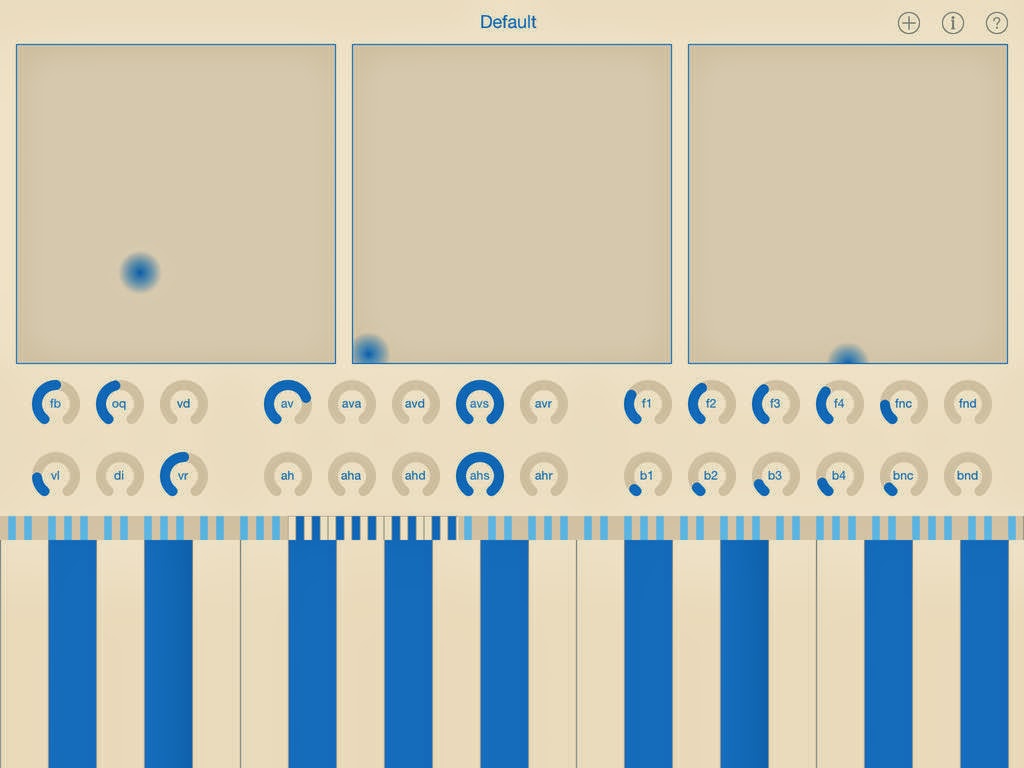
Voxen is a voice synthesizer. It lets you synthesize singing voices. Any voice, not just the few voices that someone else designed into it.
Plus voices that no vocalist can sing. No pitch shifting. No time warping. Just good ol’ pure synthesis.
Voxen is based on the voice synthesis technology used by speech scientists and psychoacousticians around the globe. Even though it can be great fun to play with, it is not a toy. Voxen is intended for musicians, DJs and producers who are looking for new and different sources of sounds.
It’s time to set your aural imagination free…
FEATURES
- Eight note polyphony
- Keyboard range of more than ten octaves
- Three X-Y touchpads
- Twenty-eight vertical linear knobs
- Choice of dark or light background colour
- Eight choices of foreground colour
- Save and load user-defined patches
SUPPORT
If you have any questions or problems, our community forum is the best place to find support:http://community.modphon.com
This is version 1.0, so please do not expect perfection. It would be nice to believe that all bugs have been found and eliminated, but years of experience says that there are still a few left to be found. If you do find a problem, please tell us so we can fix it!
There is additional functionality already in the pipeline for version 1.1 and beyond. Top of the list are MIDI and Audiobus support. We have great plans for Voxen. Visit our community forum to help shape the future of Voxen.
PS
Voxen is *not* a text-to-speech system. You cannot provide it with lyrics and expect it to sing them. Voxen is a synthesizer that acoustically simulates a glottis and vocal tract, allowing you to manually control the sound. It synthesizes sounds, not words.
Because a human voice is more complex than nearly any other musical instrument, a synthesizer of human voices is also very complex. To control one can require the real-time manipulation and coordination of dozens of separate parameters.
If you are looking for something that creates a musical performance from a piece of sheet music and some lyrics on a scrap of paper, hire a good vocalist. On the other hand, if you are looking some new and different sounds, use Voxen.
Voxen is 50% off at launch. The initial price is $7.99.
Selena – free synthesizer instrument for Windows
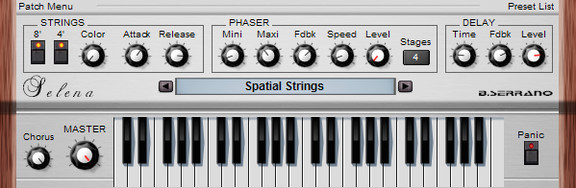
B. Serrano has launched Selena, a free synthesizer instrument for Windows.
Downsized version of Horus.
Just strings, but not only…
Full MIDI learn
32 voices polyphonic
CPU friendly
The plug-in is available for Windows (VST).
Free VST – Physical Modeling synthesizer
Simple physical modelling synth based on Karplus Strong
Karplus–Strong string synthesis is a method of physical modelling synthesis that loops a short waveform through a filtered delay line to simulate the sound of a hammered or plucked string or some types of percussion. Although this technique can be viewed as subtractive synthesis based on a feedback loop similar to that of acomb filter for z-transform analysis, it can also be viewed as the simplest of a class of wavetable-modification algorithms now known as digital waveguide synthesis, as the delay line acts to store one period of the signal.
Alexander Strong invented the algorithm, and Kevin Karplus did the first analysis of how it worked. Together they developed software and hardware implementations of the algorithm, including a custom VLSI chip. They named the algorithm “Digitar” synthesis, as an abbreviation for “digital guitar”.
Free VST – Physical Modeling synthesizer –http://www.vstplanet.com/News/2014/WO…
Developer: WOK
Official audio demo!
Twisted Electrons AY3 Chiptune Synth demo
The AY3 features two 8912 chips, boasting 6 voice polyphony. You can apply sequences, arpeggiators, noise, envelopes and pitch modulation to each voice with a click of a button.
AY3 features:
-64 preset memory (8 banks x 8 presets)
-5 pots and 1 endless encoder with push button
-40 blue leds
-16 step sequencer to sequence notes on/off, pitch and noise on/off
-4 Pitch modulation modes (aka lfo)
-4 arpeggiator modes
-ultra fat 6 voice unison mode with detune knob
-6 chords to split the voices
-6 voice polyphonic mode
-Glide mode
-Stereo sound (3 voice per channel/chip)
-intuitive 5×6 mode matrix to access and control:
volume, pitch, noise volume, envelope assignments, arp modes, sequencer assignments etc
-control of all knobs and other features via midi CC
-backlit front panel
Nord Lead 3 Clone on Millenium Synthesizer
Background video description:
I try to program my own music tool : Millenium Synthesizer
Here it’s a exemple of Virtual instrument (Nord Lead 3 Clone), not finnished yet but still sound good 😉
Sqeech – new multi-touch frequency synthesizer for iOS
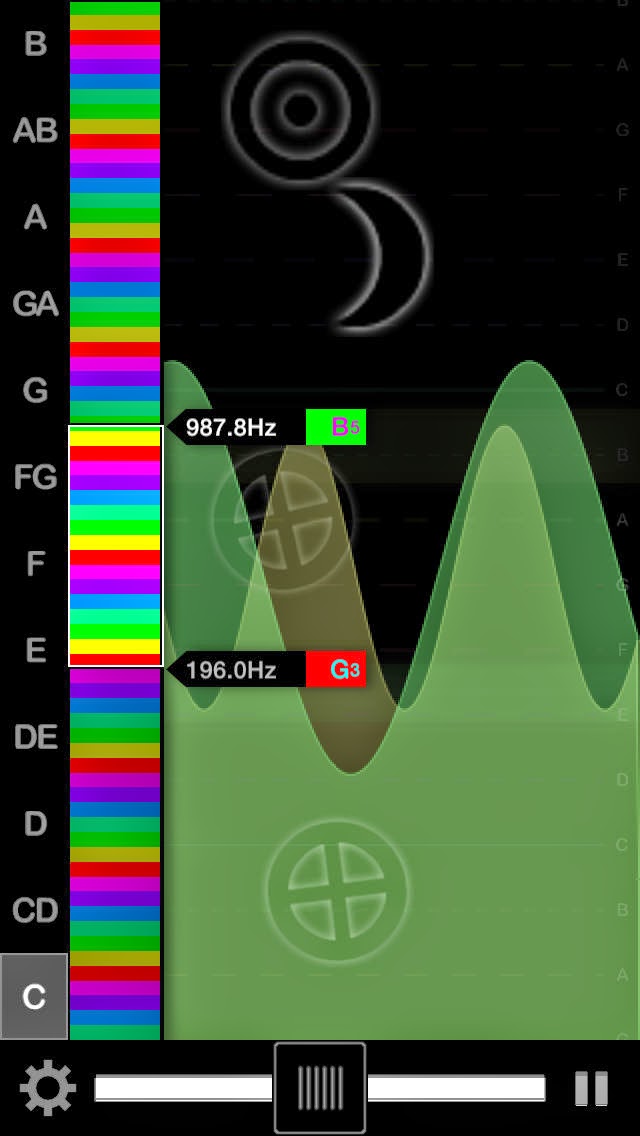
Fingers drip music and this app is the paper. Made for musicians looking for a responsive musical instrument with a huge range of sound, Sqeech delivers perfect audio that’s both thick and nimble. It’s an essential arrow in your music quiver.
This App is a multi-touch frequency synthesizer rendering eight cd-quality bendable audio waveform channels at any range on demand. The keyboard and output range are completely customizable with three powerful modes of sound: spectrum gives you a full oscillator; chromatic mode using half steps; or choose a major key.
Designed for flow, you can join in to any live acoustic set or electronic machination instantly. Sqeech can deliver deep bass or high-end electronic rain on one fret board. This tool was made for the hand to groove.
Responds to eight simultaneous touches by the user. A vibrato is achieved with a side to side pulsing of the fingers. Each touch has a separate volume channel so you get a rich live sound. Additionally two propellor filters (Sun & Moon) give additional firefly squeeching effects with full live control over pitch and speed from a finger.
Here’s a few more features:
Key Range Bar: The range bar let’s you instantly select a pitch threshold for the fretboard. You can change as you play. A smaller range makes more room for your fingers to add vibrato to your sound.
Pitch Slider: You can bend all sounds currently playing by using the slider bar. Releasing the slider from the high right side gives you a slow dramatic pitch fall you can add expressions to as it falls automatically.
Sun Propellor: This propeller always affects your solo finger only. Raising the sun on the screen causes the propellors pitch to go higher or lower. Left-to-right affects the propellors speed in real time giving you an powerful solo button you and squeech out a melody with.
Moon Propellor: The moon affects everything the sun does not. This gives you a more rhythmic effect since it broadcasts through the remaining fingers. It’s speed and pitch are controlling similar to the sun. Double-click to turn on pitch snapping and the propellor will conform to the nearest half step. This allows you to form any triad sequence and play it with one finger setting the root note. Both propellors really open Sqeech up as an expressive electronic vocal.
Virtual ANS Universe
Virtual ANS is a software simulator of the unique Russian synthesizer ANS – photoelectronic microtonal/spectral musical instrument created by Russian engineer Evgeny Murzin from 1938 to 1958.
The app is cross-platform and available for iOS, Android, Windows, Linux and OSX.
More info: http://warmplace.ru/soft/ans
Key features:
• unique Virtual Analog sound engine;
• unlimited number of pure tone generators;
• powerful sonogram editor – you can draw the spectrum and play it at the same time;
• any sound (from a WAV file or a Microphone/Line-in) can be converted to image (sonogram) and vice versa;
• MIDI Input;
• supported file formats: WAV, PNG, JPEG, GIF, VNS (Virtual ANS 1.x);
• Jack and Audiobus support;
• iTunes File Sharing;
• Wi-Fi Export/Import;
• more functions in the next Virtual ANS updates…
DUNE 2 – new version of the popular synthesizer plug-in
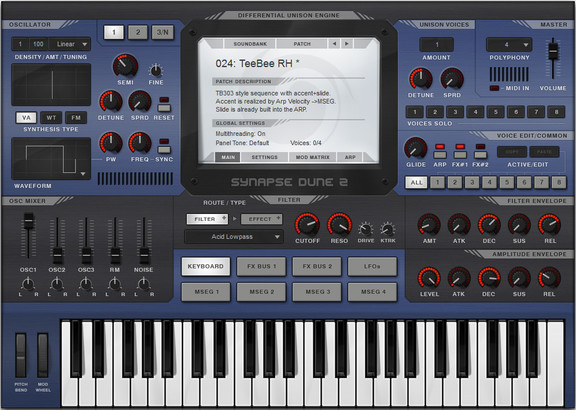
Synapse Audio has announced the release of DUNE 2, a new version of the synthesizer plug-in for Windows and Mac.
DUNE 2 was rewritten from scratch, in order to provide a yet higher sound quality and allow for an even wider range of sounds. New oscillators, new filters, new effects and graphical envelopes are just some of the new additions.
With a maximum reserve of 8320 oscillators at full polyphony, DUNE 2 is a true unison monster, unlikely to ever run out of oscillators.
DUNE 2 features
- VA, Wavetable and FM Synthesis.
- Two oscillator stacks with 32 oscillators each.
- Third oscillator and noise generator.
- 8x Unison = up to 520 oscillators per note!.
- 16 voices of polyphony = up to 8320 oscillators total.
- Zero-delay feedback filters.
- Four graphical envelopes (MSEG).
- Modulation matrix for synth and FX parameters.
- Two Master FX busses with 9 high-quality effects each.
- Innovative Arpeggiator with MIDI file import.
DUNE 2 for Windows and Mac (VST/AU) is available for purchase for $169 USD. The upgrade from DUNE is $79 USD, and a bundle of both DUNE 1 and 2 costs $198 USD. Prices excl. 19% VAT within EU.
How Do Synths Sound Through Crystalline?
Vintage Yamaha PS-20 analog keyboard connected to iPad using Apogee Jam interface, played through Crystalline. Also features iOS apps Animoog, Audiobus and Arturia iSEM. No other effects or processing done.
Crystalline: Shimmer Effects Processor for iPad
http://crystallineapp.com
Exhibition Switched-On: The Birth of the Moog Synthesizer
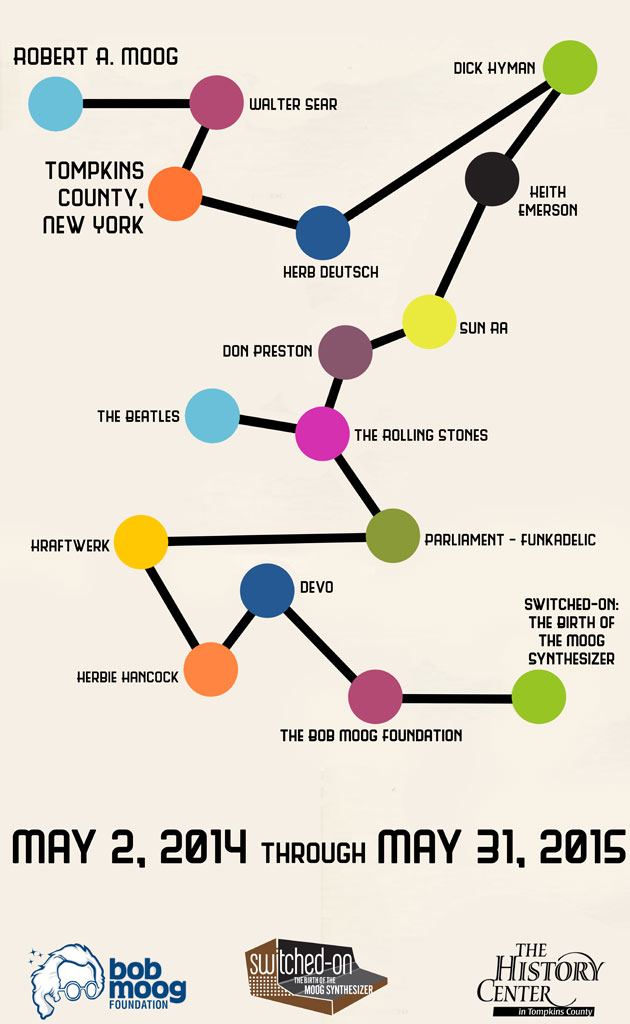
The History Center in Tompkins County will open the highly anticipated exhibition Switched-On: The Birth of the Moog Synthesizer on Friday, May 2nd. Telling the story of Bob Moog and the development of the groundbreaking electronic instruments bearing his name, Switched-On will provide museum-goers an interactive, engaging opportunity to learn about this important chapter of our region’s history. Based on a series of wide-ranging oral history interviews done with family members, colleagues, and contemporaries, and done in partnership with the Asheville, N.C.-based Bob Moog Foundation, the exhibition provides unparalleled insight into the unique genius of Bob Moog and the ways in which he ushered in a revolution in music. Switched-On is the first major exhibition on Bob Moog and Moog Synthesizers to occur in the region, and will run through May 31st, 2015.
First Friday Gallery Night
Friday, May 2nd, 2014
5:00 – 8:00 p.m.
The History Center
More info on the museum here – http://www.thehistorycenter.net/thc_exhibits/2014/moog.php and more info on The Bob Moog Foundation here http://moogfoundation.org/.
DATAMASKIN

