
Free preamplifier effect to colour your mix

GPA features
- Bass, Midrange and Treble controls.
- Four input selector offering various frequency curves to alter the tonal characteristics.
- Bass Boost switch.
- Low CPU usage (2.1% CPU on a Pentium 4 Computer using Wav files).
Sir Elliot GPA is available to download as a freeware VST effect plug-in for Windows PC.
Visit: Sir Elliot
New stuff from Toontrack
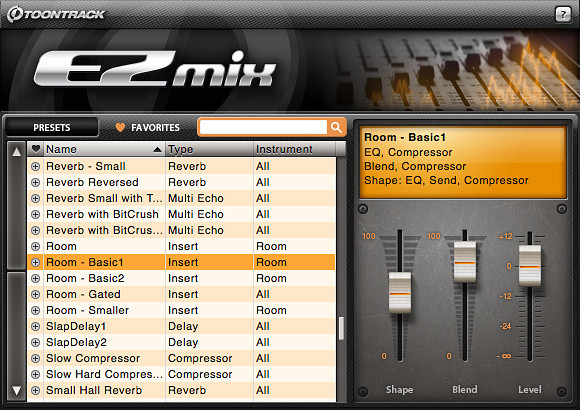
Toontrack Music has announced the release of EZmix, a mixing tool for Windows and Mac.
For all the track and songwriters with tight deadlines and a mobile work situation out there, Toontrack, in collaboration with DSP developers par excellence Overloud, has developed EZmix.
EZmix is a simple (EZ), yet powerful, mixing tool that gives you access to a huge array of mix presets for the whole gamut of mixing needs. Whether you need to mix drums, vocals, guitars, bass or keyboards this is your tool.
Simply connect EZmix to a channel strip in your sequencer like you would any plug-in, pick a preset for the instrument or sound on that strip. Done. For demo purposes or in full on production EZmix will cut your studio time, speed up and enhance your creative process from the initial hook to the final track.
EZmix is available to purchase for PC and Mac (VST/AU/RTAS), priced at 49 EUR / $69 USD.
More information: Toontrack / EZmix
Toontrack Music announces EZmix
Toontrack Music announces EZmix
Toontrack Music announces the next product in the Toontrack Software Tools line, EZmix.
For all the track and songwriters with tight deadlines and a mobile work situation out there, Toontrack, in collaboration with DSP developers par excellence Overloud, has developed EZmix.
EZmix is a simple (EZ), yet powerful, mixing tool that gives you access to a huge array of mix presets for the whole gamut of mixing needs. Whether you need to mix drums, vocals, guitars, bass or keyboards this is your tool.
Simply connect EZmix to a channel strip in your sequencer like you would any plug-in, pick a preset for the instrument or sound on that strip. Done. For demo purposes or in full on production EZmix will cut your studio time, speed up and enhance your creative process from the initial hook to the final track.
EZmix is a Mac and PC compatible, AU, RTAS and VST plug-in delivered with a wide variety of mix presets, with a heavy accent on your drum mixing needs, designed by Toontrack Music Head Of Sound Design Mattias Eklund.
Only for pros – MixMeister tutorial
MixMeister Fusion Live software gives you a radically different approach to DJing, so you can focus on rocking the party – not the nuts and bolts of DJ technique. You don’t need to concern yourself with counting and matching beats, setting cue points, or syncing keys. MixMeister does all the technical work for you, freeing you to be in total creative control to interact with your music – and your audience!

MixMeister Control is the only controller designed and optimized to work like a true hardware extension of the MixMeister interface. If you already use MixMeister, you will be performing in seconds. MixMeister Control even comes with a full version of MixMeister Fusion software – the perfect way to get started.
Individual hands-on controls are included for looping by track, EQ, FX and more with complete control for up to four tracks at once. A massive amount of control is available from its 40 knobs, 53 buttons and a Jog Wheel for fast location management. Finally, automation effects, VST plug-ins and other functions can be manipulated with minimal computer interaction.
Included MixMeister Fusion software frees the DJ from monotonous tasks like beat matching, setting cue points, and counting beats in their head. It gives them the power to unleash their creativity and shape music with live looping and remixing, VST effects, harmonic mixing and more. DJs can manipulate tempo, volume, and EQ in real time, on-the-fly. Fusion even records all DJ actions (not just the resulting audio), so users can go back, listen to their mix, and make precise adjustments with studio-style editing capabilities.
Whether you use MixMeister to perform live or to mix in the studio, MixMeister Control is a “must-have” addition for MixMeister.
Technical specifications
* Hardware control surface for MixMeister software
* USB 1.1 interface – No driver required
* Includes MixMeister Fusion software
* Compatible with other MIDI applications
* Works with Windows or Mac OS X
* 94 hardware controllers for ultimately expressive software control
Reaper updated
Cockos has updated REAPER to v3.12.
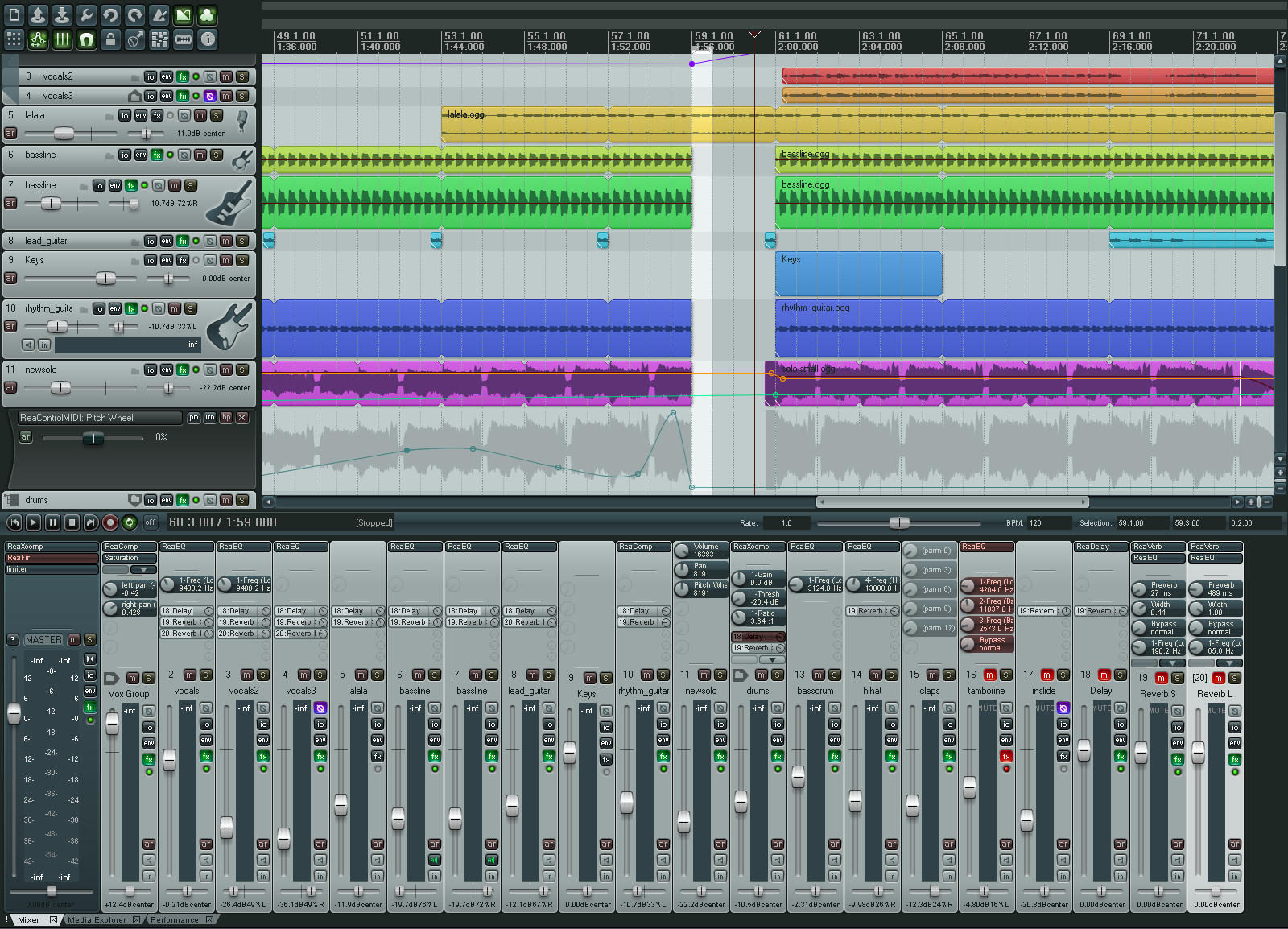
REAPER (Rapid Environment for Audio Prototyping and Efficient Recording) is designed for the recording, arrangement, editing, mixing and rendering of audio.
Changes:
* Automation lanes: fixed possible crash when removing FX parameter envelopes.
* CD burning: fixes to native XP mode track divisions.
* Extensions API: GetSetMediaItemInfo() fixes for fade shape settings.
* Fade drawing: when using full-area filling, fixed drawing when zoomed in.
* FX: per-FX buggy plugin compatibility mode (assumes plugin is not threadsafe, needs constant precleaned buffers, etc.).
* Hardware outputs: post-fader track outputs obey track polarity control.
* MIDI editor: show notes pressed as long as the input note is pressed.
* OSX: improved drag/drop support.
* OSX: support for control+alt+drag to render to new file (drag to desktop, finder, sampler, etc.).
* OSX: CD burning support.
* OSX: REX support.
* OSX: special casing for POD Farm VST misreporting view type (VST 2.4 should be composited view).
* OSX: fix for some AUs that do not export automatable parameters until after audio streams are initialized.
* OSX: added correct file locking to prevent writing files open for read.
* Pencil mode: fixed fade/autofade settings for newly drawn media items.
* ReaControlMIDI: support for raw mode (0-127 access to all CC messages).
* ReaControlMIDI: envelopes and TCP knobs report the same value as the slider (0-127, 0-16383, or on/off).
* ReaControlMIDI: support for storing/sending sysex dumps up to 64KB.
* ReaScript: run Python or Perl scripts that call Reaper API functions.
* ReaScript: assign reascripts to key commands or toolbar buttons.
* VST bridging: optimized plug-ins that call for tempo information.
* VST bridging/firewalling: per plug-in option to embed UI (not as compatible, less crash-resilient).
* VST: safer querying of text strings from certain plug-ins.
* Win32: async file reading now has more grace on error.
* Win32: file locking improvements (no longer allow writing to media files that are open and online in REAPER, etc.).
* x64: VST bridging performance improvements, ReaRoute performance improvements.
* x64: will now use same config path as x86 (unless appdata/REAPER64 is valid).
* x64: REX support (via bridging).
* x64: fix for certain (broken) ASIO drivers.
Feel like drawing or painting your music?
HighC is a graphical music creation tool. It is a synthesizer, a sequencer and a mixer. Its goal is to make music composition as simple and direct as sketching.
An entertaining and educational tool…
No music experience needed: create stunning soundscapes and crazy ringtones in a matter of minutes. Learn acoustics, music theory and audio synthesis with a gentle, graphic approach.
that meets demanding professional needs
Master advanced synthesis techniques: FM, ring mod, additive, granular, and much more. No complex dashboards of knobs, dials and connectors with unpredictable effects. No programming. Just draw to unleash your creativity!

Changes in HighC v2.75
- Printing functionality, enabling export to PDF file format.
- Overview shows the cursor in all views during playback.
- Set the default pitch of imported sound samples (to correct potential pitch detection algorithm errors).
- Tune the sampled audio files.
- Audio file import in the FLAC format. FLAC is a lossless audio compression format that saves about 2/3rds of the original file size.
- Distribution reduced from 16 to 10Mb.
Fat Bustard

Fat Bustard – 12 channel mixing with attitude
Thermionic Culture unveils the Little Bustard, their second valve summing mixer which has been designed to complement the Fat Bustard valve summing mixer by increasing the number of inputs channels. The new 19″ 2u Little Bustard can also be used independently by itself as a stand alone mixer.
Features include 16 input channels arranged as 6x stereo pairs with fixed gain at unity level with on/off switches, 4x mono inputs with mute switches and pan pots which can be defeated by another switch adding an extra 6dB of gain. The master output section has independent left & right 31 position output indented pots with a gain range from –17dB to +2dB.
The valve stages use a pair of ECC83/12AX7 on the gain stage, and a pair of PC86’s for the output stage. The master section will also have a simple output level indicator. To create a monster-summing mixer, The Little Bustard’s outputs can be plugged into the Fat Bustard’s AUX inputs increasing the number of channels to 28.
DATAMASKIN

